- webApetit
- Code-lists
# Code-lists
# Suppliers
In a code list Suppliers all suppliers who supply food are defined. In case the webApetit module operator has his own kitchen in which he cooks food, it is also necessary to define himself here as a supplier of food. If there are more than one supplier, no two suppliers may have the same "Allowed Codes" of dishes in their ordering menu.

# Dining rooms
In a code list Dining rooms , the food outlets are defined. They are places where the diner goes to physically pick up the pre-ordered meal at the time of delivery. In case that the operator of the webApetit module has several foot outlets, the diner can also choose the Dining room when ordering, where he or she will pick up the food. Usually, there is only one dining room, and even in that case, such a Dining Room must be defined in the system.

# Readers
In the case of the use of hardware when ordering and dispensing food, for example a contactless reader of a card or a chip, their logical distribution in the entire system is defined in this record. Physical readers must be initially entered in the webPatrol module in the record Readers

# Codes of foods
All one-character codes used in the webApetit module are defined in the Codes of foods code list . Their assignment to types of foods in the sense of breakfast, lunch, dinner are defined in the parameters of the webApetit module. The assignment of these codes between individual suppliers must be entered in the code list Suppliers

# Menu
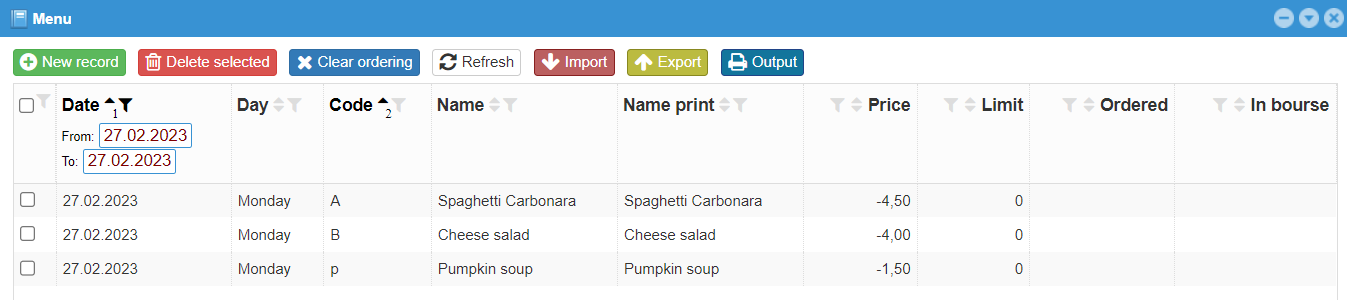
A code list Menu is used to enter the menu itself for each day and each type of food(breakfast, lunch, dinner). Foods can be entered manually one by one directly into the database, or by importing from a *.CSV file, which is entered through a Microsoft Excel spreadsheet or a compatible tool. The structure of this file is individually prepared for each customer. The frequency of entering new foods is most often once a week for the following week. From the moment new foods appear on the menu, the diner can order this food, of course if he meets his own conditions for making the order.
# Groups of diners

# Classes
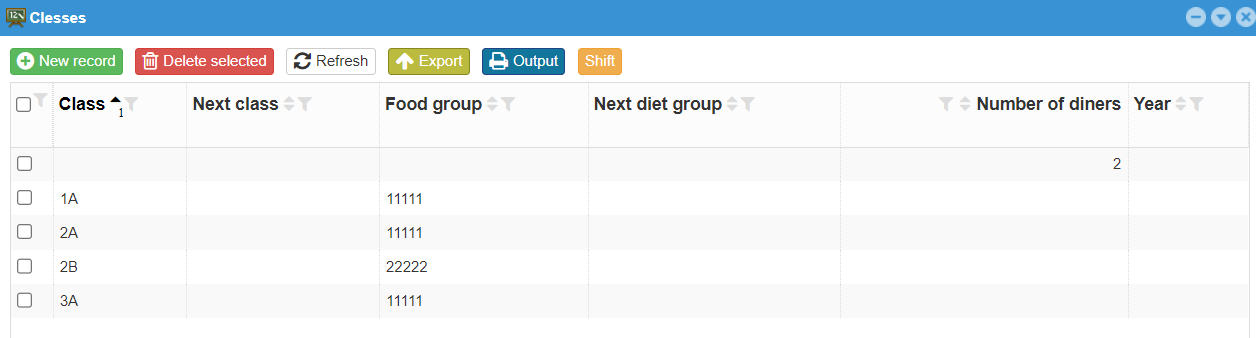
A code list Classes allows to divide diners according to another criterion. For example, in the case of schools, it is possible to indicate the actual classes in which students go. For example 1A, 1B, 1C, 2A ... etc. In the case of other companies, it is possible to come up with some other division. This record can also remain empty. Then Diners are not divided in any other way, only through Groups of diners.
# Diners

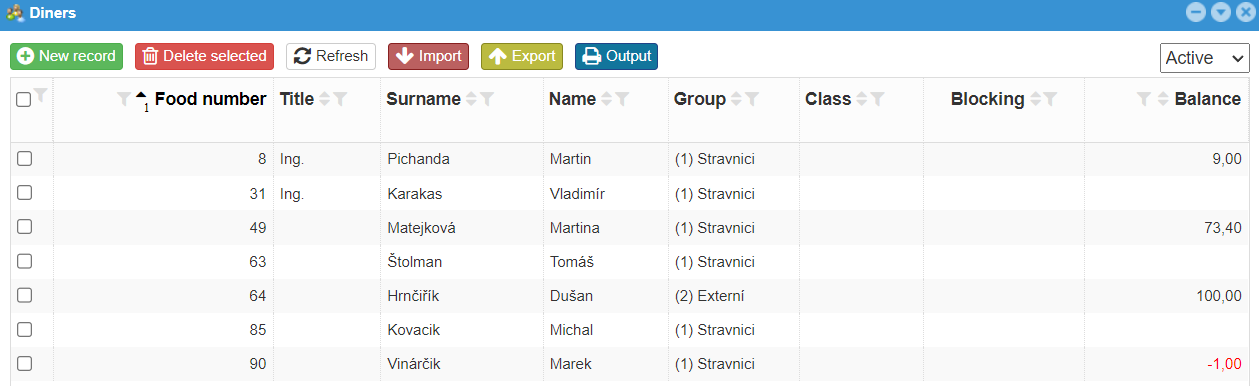
All users of the webBox system, whom we want to allow to use the webApetit module, must be registered in the Diners code list. Each diner must be assigned a unique Food Number, which may or may not be identical to the personal number of an employee in the company. Most often, external diners who are not employees of the company have their own food numbers, which may be with a certain offset compared to employees. This food number is also a variable symbol when paying through a bank if the company uses advance payments by bank transfer. This number identifies the diner even in case of eventual export for wages, under which the wages deduction for the given employee and the given accounting period is received in the wages system.
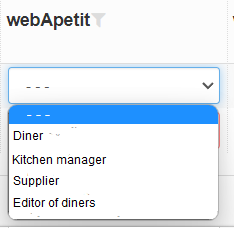
If we want to add the user of the webBox system to the diners, he must be registered in the record Users and at the same time, in the records Access rights must have the assigned role of at least "Diner". See the picture below
# Price discounts
The Price Discounts code list allows you to dynamically change the prices of foods for diners as needed.
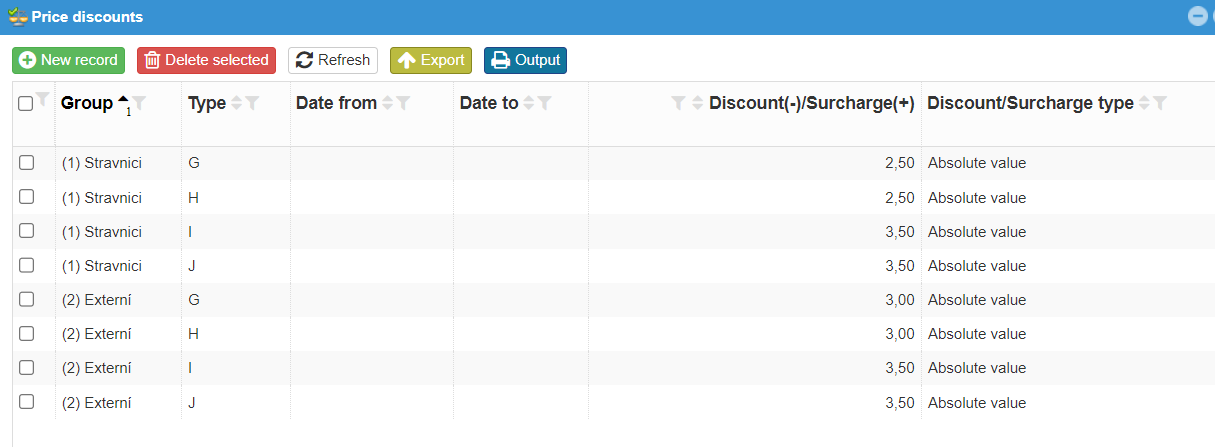
The final price of the food for the diner is calculated from the relevant code lists according to the following sequence: JLIS, AJDL, ASTR, ZLAV.
If a price of -1.00 is indicated in any of the indicated code lists, it means that the price is not controlled by the respective code list, but the price is searched for in the next code list in the sequence. Even a value of 0.00 is considered a price, in other words "free". Surely everyone would like to welcome such a price. :)