- webDrive
- Approving
# Approving
# Manage requests
Manage requests is used for approving/rejecting a request for a business trip, after setting the filter you can view, for example, already approved requests. It does not contain basic options like most code lists.
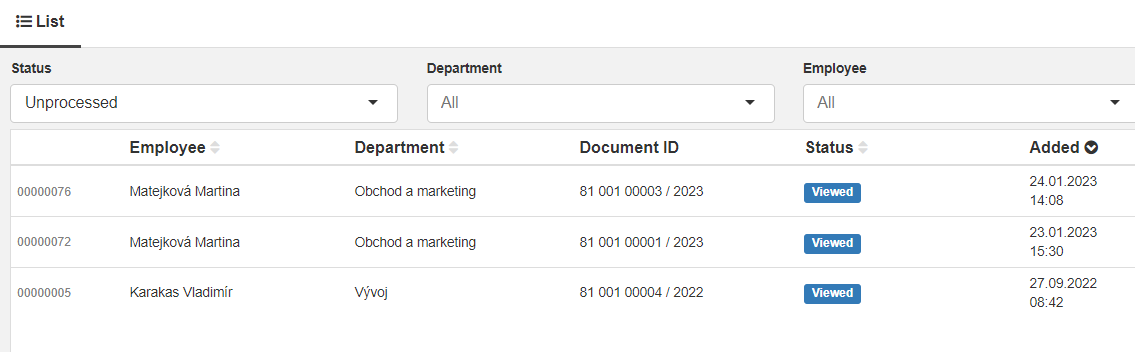
Filters:
-
Status-
All -
Cancelled -
New -
Viewed -
Processed -
Unprocessed
-
-
Department -
Employee
Using the secondary mouse button: If you use the secondary mouse button on one of the requests, a menu will open with options:
-
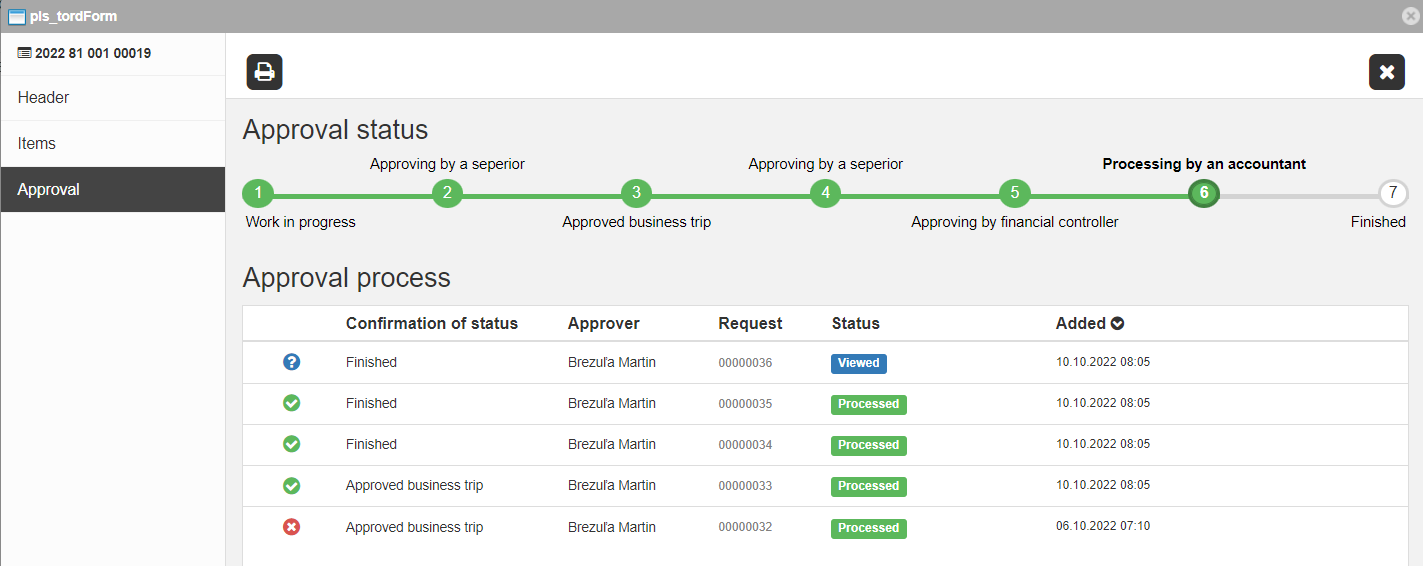
Manage request- It is only displayed if it is an open travel order. The window Manage request: request number will open, in which you will see only the basic data. After sending the request, the request is also sent to the approver through email, which contains a link to the attendance page, where the Manage requests window opens.
-
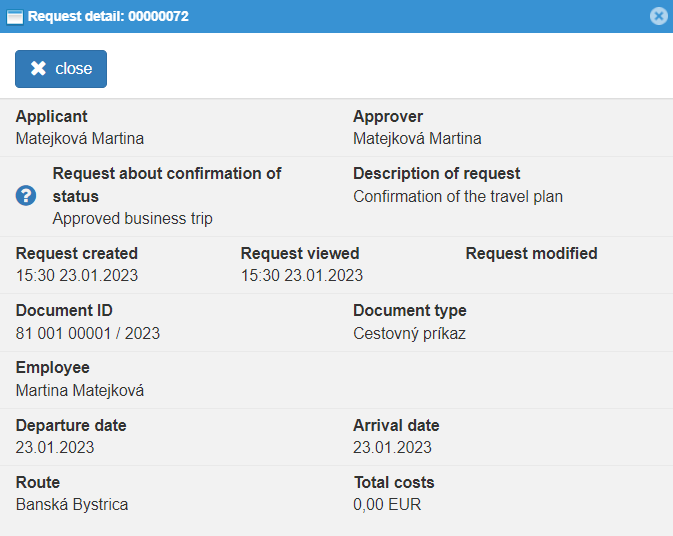
Request detail- It contains important information of the travel order whose approval was requested
-
Show document- the entire travel order to which the request is bound will open, it is not possible to edit the travel order, but it is possible to approve/disapprove it and print it.
In both cases of response to the request for approval of the travel order, the employee receives information and he either has to modify the travel order and request approval again, or the next step in the set procedure for approving travel orders follows.