- webApetit
- Workplaces
# Workplaces
# Workplace: ORDERING FOOD
# Order kiosk - HW
Foods are ordered at the ordering terminal, which consists of a PC with a numeric keyboard and an authorization reader, usually in the dining room for a predetermined number of days. A successful order is registered electronically, or a food ticket is printed. The menu with the names of the foods that can be ordered is displayed on the connected monitor.
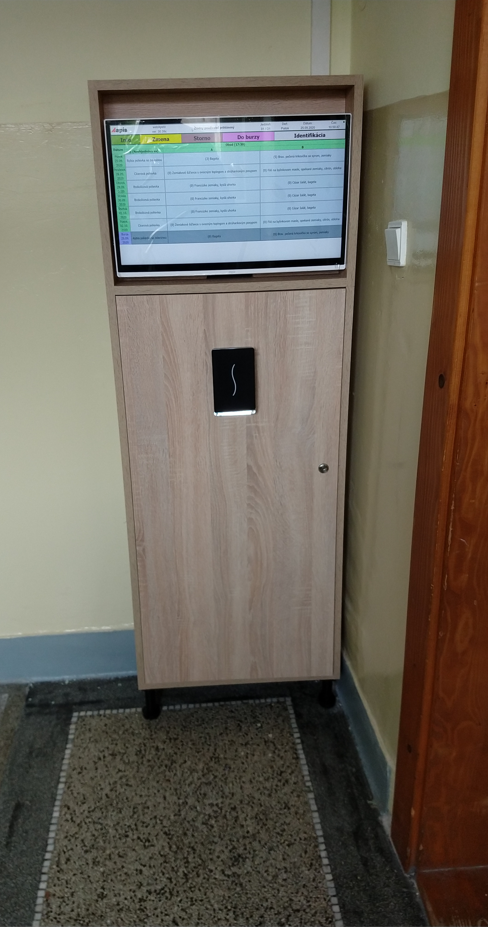
⇑⇑⇑ An example of an order kiosk with a touch screen
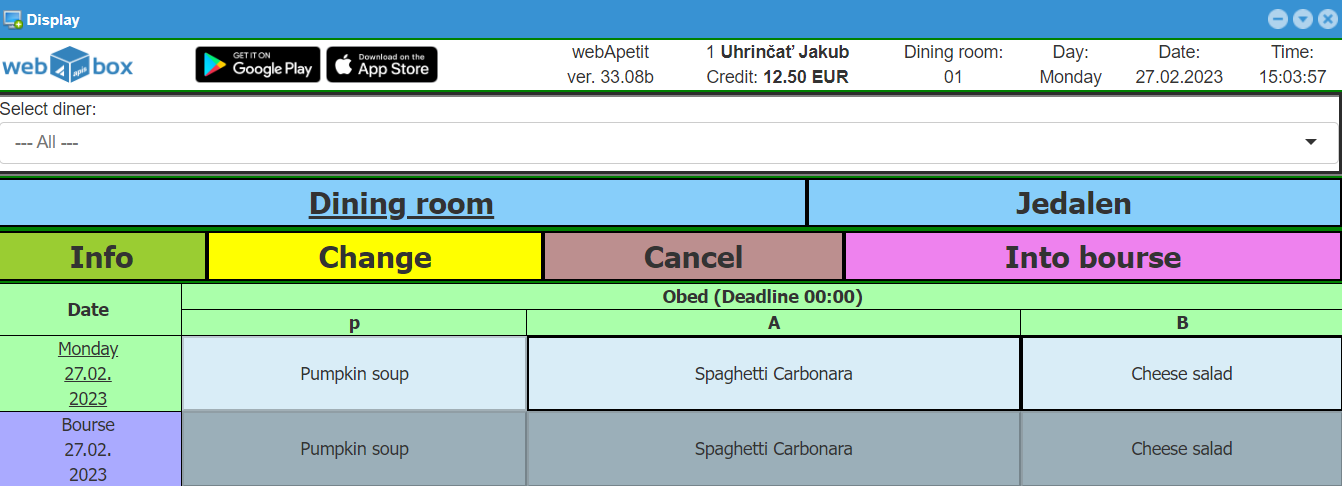
# Display - web

- Ordering through the web interface in the form of a screen like the one on the ordering kiosk in the dining room
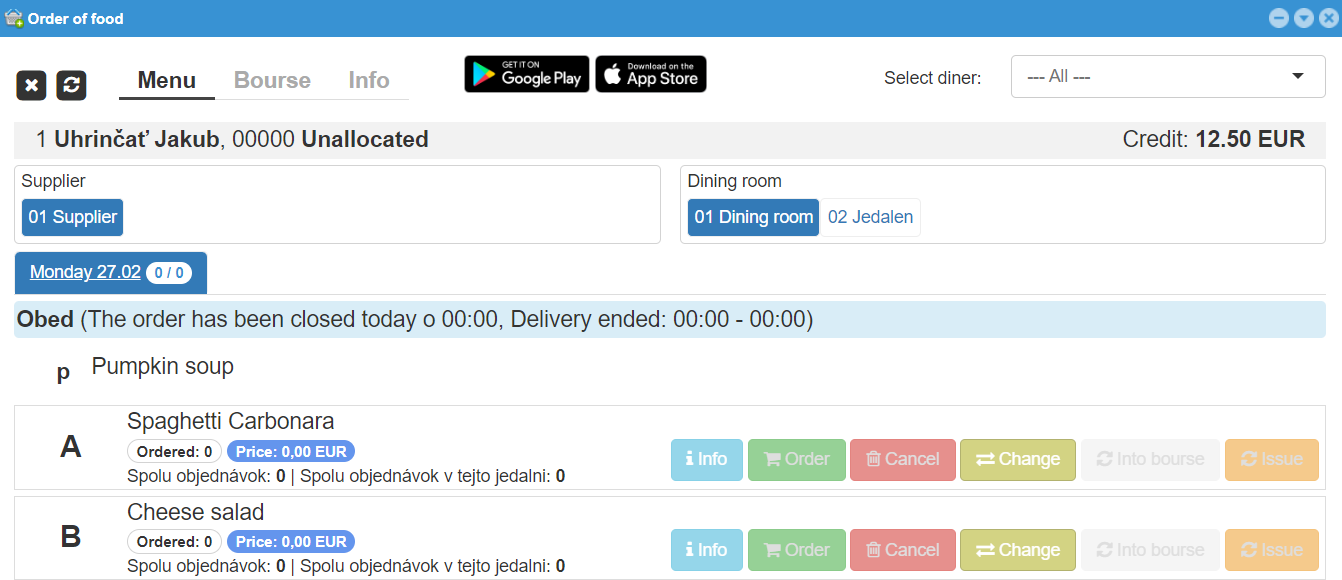
# Ordering food - web

- Ordering through the web interface in the form of an alternative screen
# webApetit objednaj - phone
- Ordering using a mobile application
After installing the mobile application, it is possible to scan the web address with which the application communicates using a QR code on the initial LOGIN screen of the system webBox Login to the System
Android application for ordering food here you can go to Google Play
Apple application for ordering food here you can go to the Apple Store
# Workplace: DISPENSING FOOD
# Dining room - HW
Foods are dispensed at dispensing window through an authorization reader (or barcode reader if printed food tickets are used), which are connected to a PC. The system communicates with the diner using a light board also connected to the same PC.
Validation of an order
When the inscription "ATTACH CARD / CHIP" lights up on the board, the diner can verify his identity at the authorization reader. In case of successful verification, the system searches for a food order according to the current delivery time (breakfast, lunch or dinner). If the order is found, the code of the food that is ordered is written on the board and, possibly next to it on the right, the number of portions of the same type of food that remains to be served (information for the serving chef). At this moment, the system does not accept the further attachment of the card or food ticket to the reader, unless the dispensing chef, after dispensing the food, presses the control button and asks the next diner in line to verify his identity. In the event that one diner has ordered more than one portion of food for one day, the system issues them according to the order in which they were ordered in the past.
Dispensing windows (if there are more than one) can be set so that each accepts only certain codes of foods. For example, window number 1 accepts orders of type "A" and window number 2 accepts orders of types "B" and "C". In this case, if the diner checks in at the wrong window, he is informed about it on the board and asked to check in at the correct window.
Information for chef
When the dispensing chef does not have diners at the counter, he can press the button to display information on the number of unissued foods on the board in the form of "A"=75 "B"=35 "C"=17. At the time this information is displayed, the authorization device ignores inserted cards or food tickets. The text on the board keeps scrolling until the chef triggers the authorization reader by pressing the button again.
# Card reader
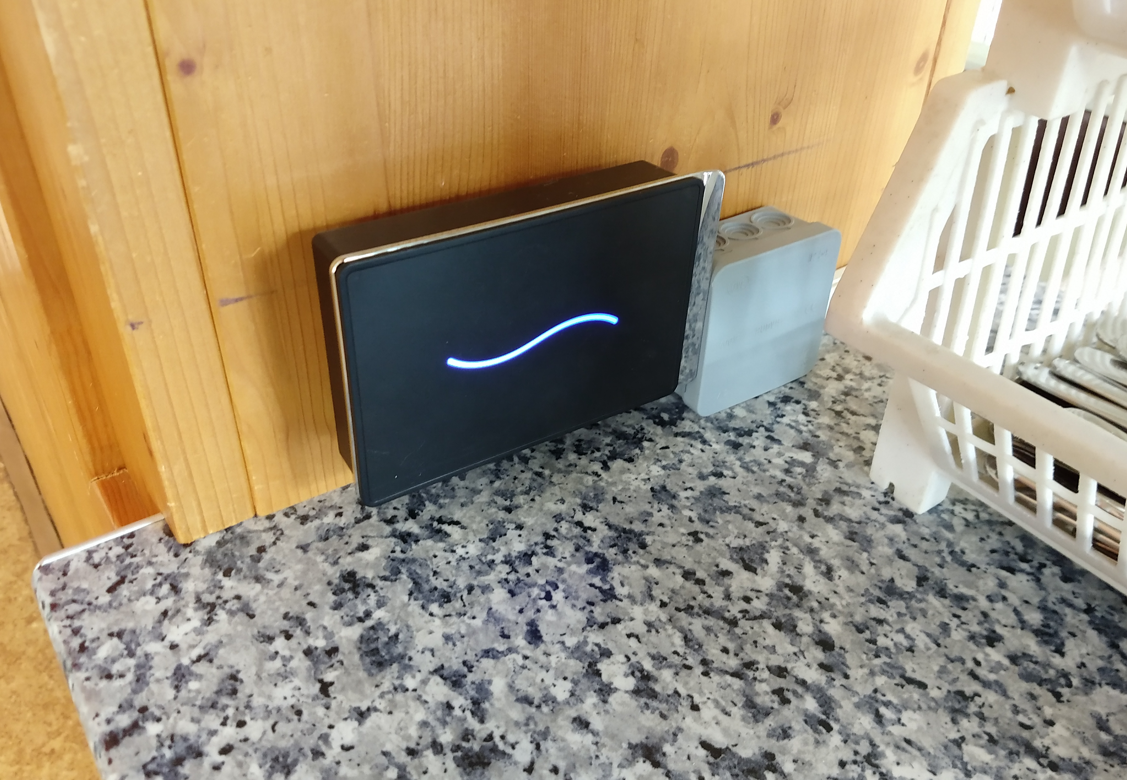
⇑⇑⇑ Example of a card/chip reader at the dispensing window
# Dispensing screen
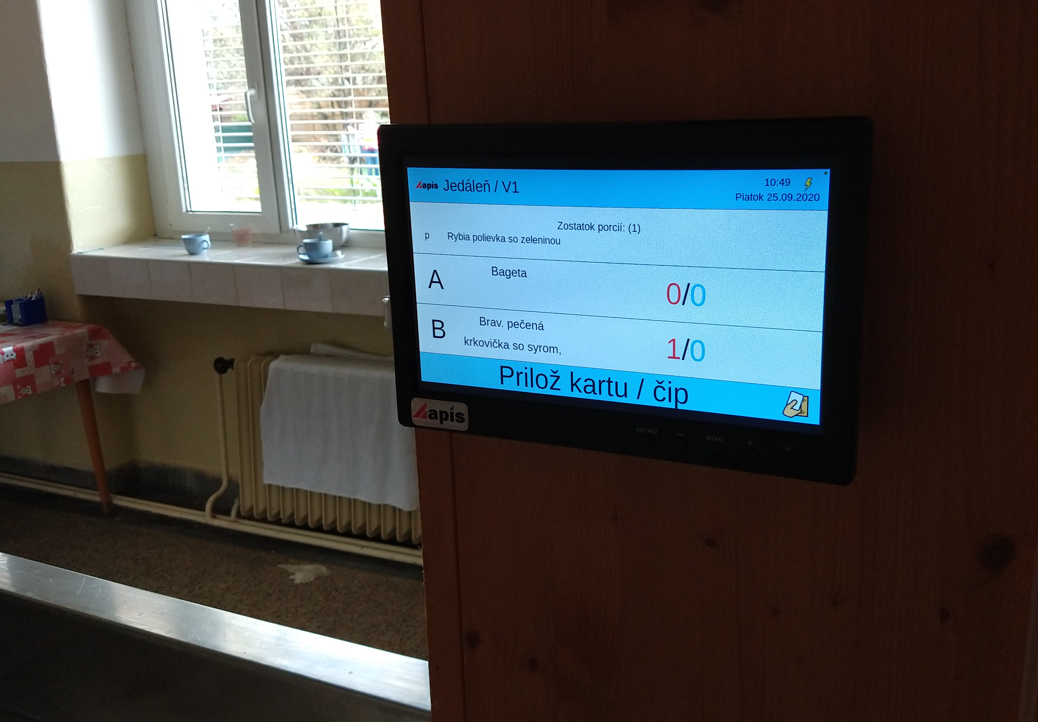
⇑⇑⇑ Example of a screen on a dispensing window
# Chef button
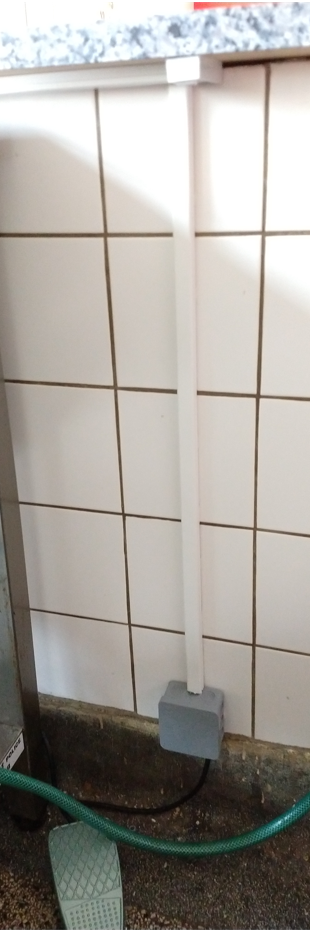
⇑⇑⇑ Example of a device (button or pedal) that confirms the end of dispensing at the dispensing window
# webApetit vydaj - phone
- Dispensing using a mobile application.
After installing the mobile application, it is possible to scan the web address with which the application communicates using a QR code on the initial LOGIN screen of the system webBox Login to the System
This option is mainly used in cases where the diner forgets his card. The authorized person in the dining room can verify in the mobile application whether the diner, who has forgotten his card, has really made an order and specifically what order. Subsequently, it is possible to confirm the payment through the mobile application, so that the diner cannot come back for lunch later and collect the food repeatedly.
Android application for dispensing food here you can go to Google Play