- webReader
- webReader - Virtual reader
# webReader - Attendance system
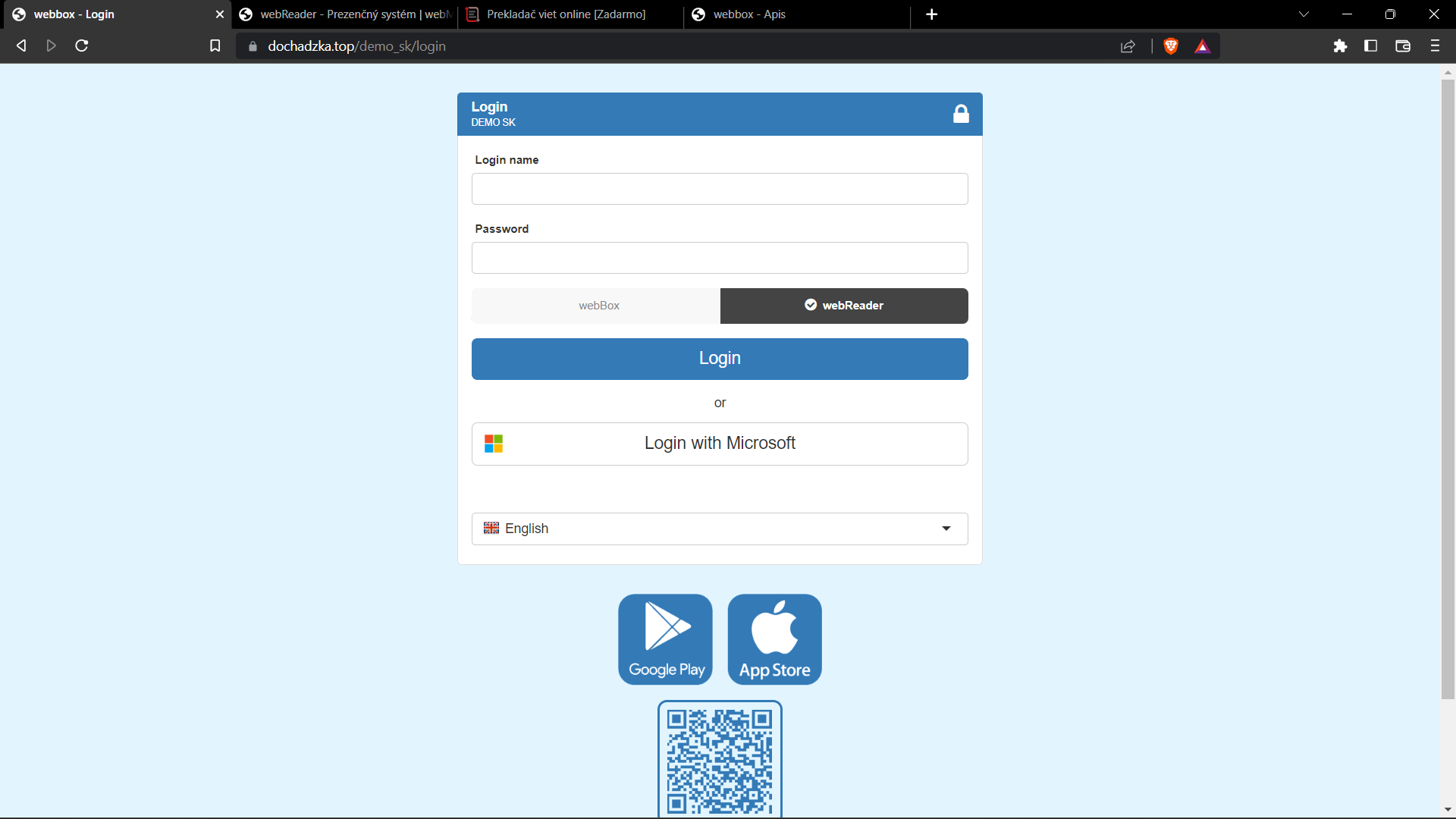
The webReader module of the webBox system serves to create and send transactions to the server instead of regular readers. For location and photo recording settings, this module may be sufficient for basic transaction recording. After correct settings, one user who has the right to do so can log in also for other users (group/department).
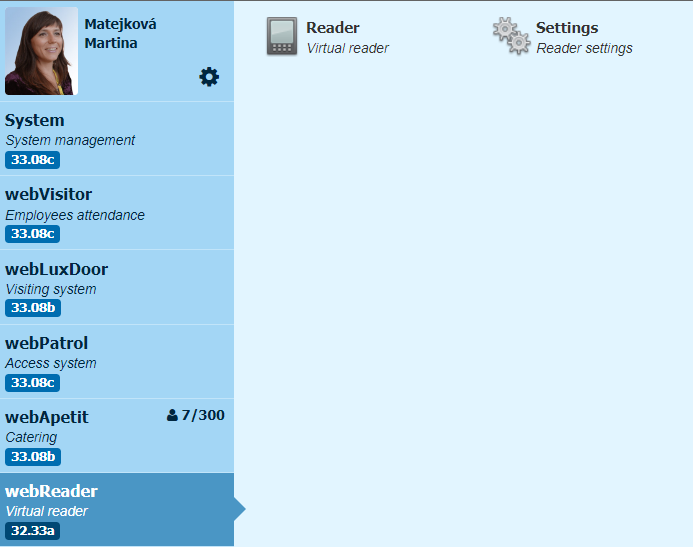
# Reader
You can get to the reader in several ways:
- directly by logging in to webReader
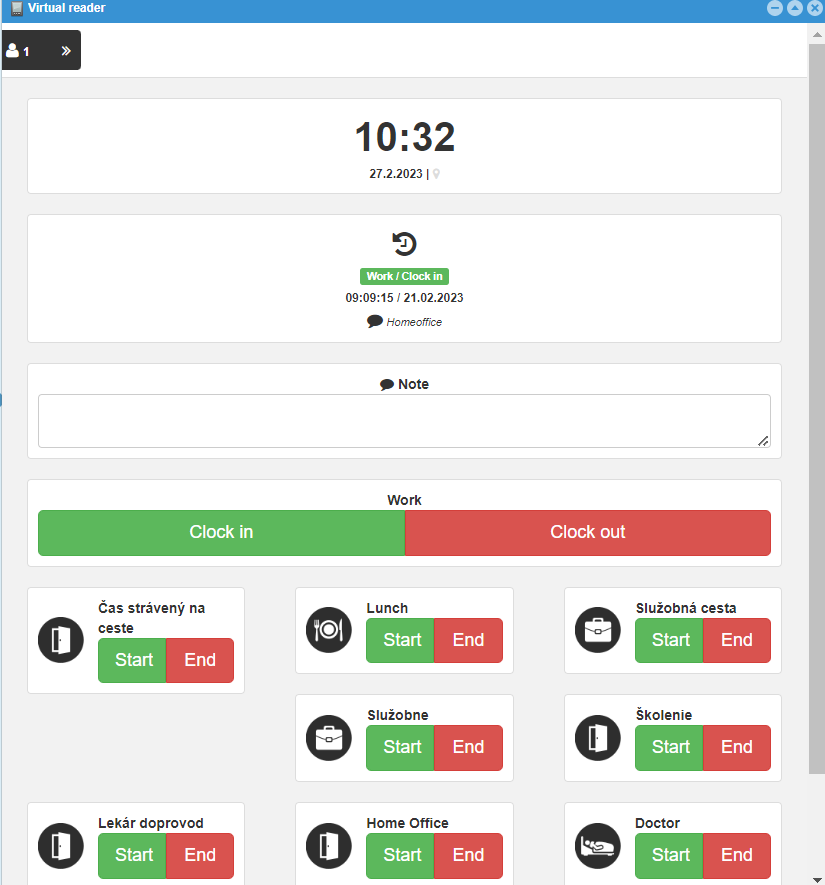
- logging in to webBox, opening the webReader module and opening the Reader window
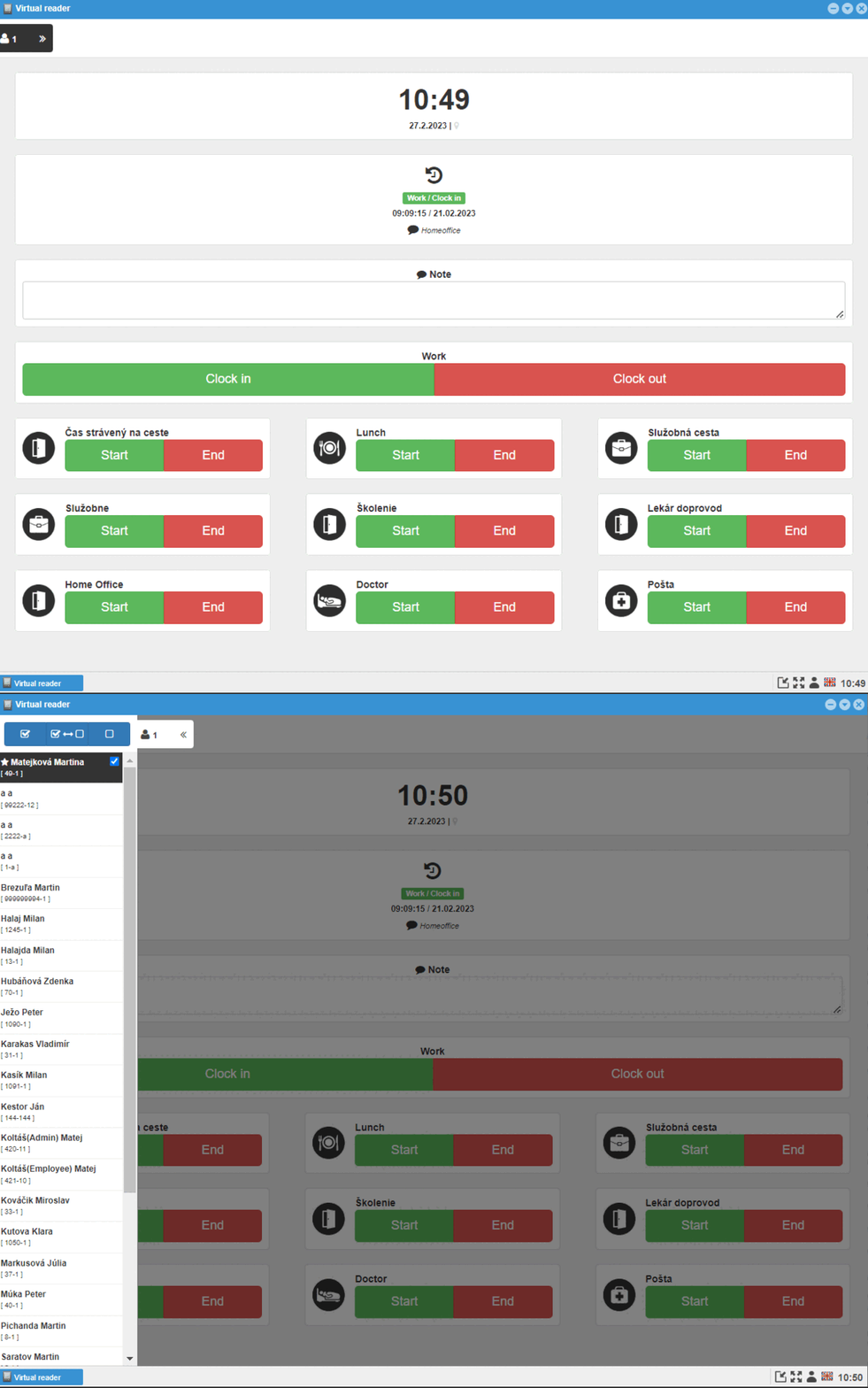
After opening the reader, it is possible to select Clock in /Clock out or the start/end of the break, if enabled in the settings, you can add a note and if the employee has authorization as a superior over a group of other employees, as well as the selection of employees to log in.
Warning
For proper functionality, it is necessary to enable the webBox/webReader to create photos and record the location when sending the transaction, if it is set to require the webReader.
# Settings
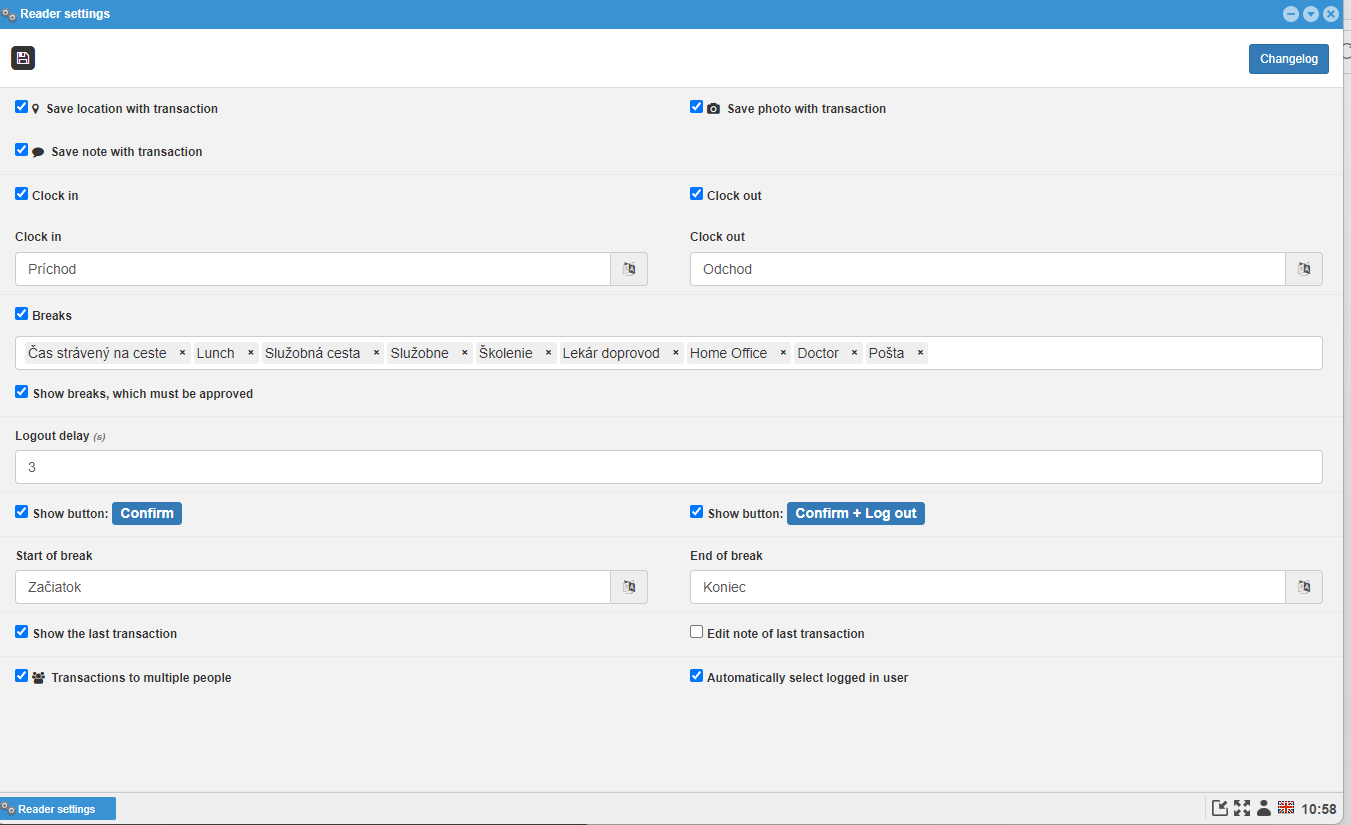
Only the administrator of the webReader module can open the settings folder. It is possible to set:
- requesting photos and/or location when saving a transaction
- sending a note
- visibility of arrival, departure and their renaming
- as well as the possibility of visibility of breaks
- all, or only selected ones
- display of breaks that must be approved
- login delay
- displaying the Confirm and Confirm + Log out buttons
- modification of start and end breaks names
- displaying the last transaction
- editing the note of the last transaction
- entering a transaction by several employees